
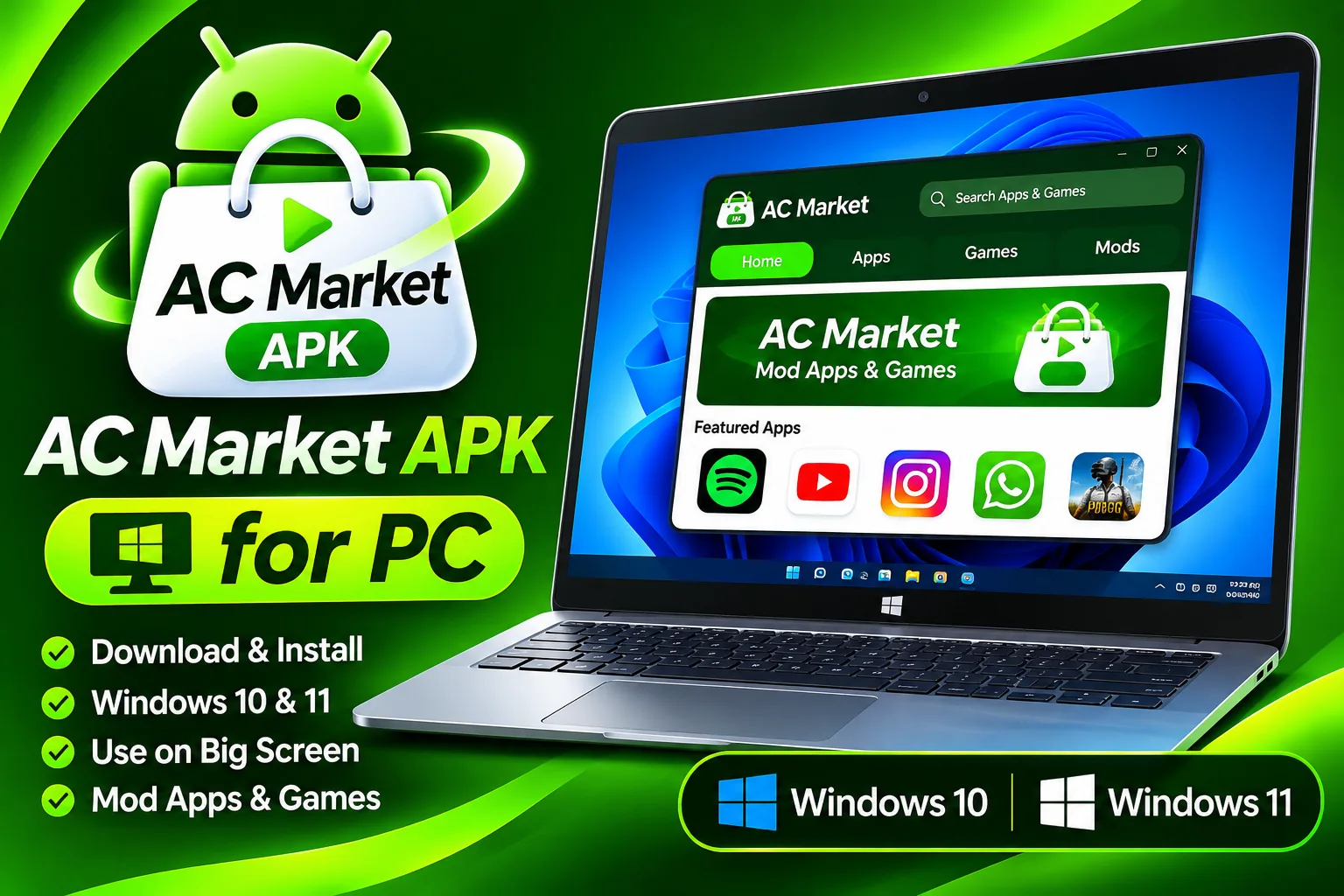
AC Market is an alternative Android application marketplace that allows users to explore different applications and games. While it is primarily associated with Android devices, some users prefer accessing Android applications on a larger computer screen. This is why AC Market APK for PC is a popular search topic among people who want to explore Android applications using Windows computers.
Since Windows does not natively install every Android APK file, users generally need an Android emulator or another compatible Android environment to run Android applications on a PC.
In this guide, we will explain what AC Market APK for PC means, how Android emulators work, how to prepare your computer, and what you should consider before installing an APK file. We will also cover common problems, safety recommendations, and frequently asked questions.
What Is AC Market APK for PC?
AC Market APK for PC refers to using the Android version of AC Market on a Windows computer.
An APK is an Android application package file. Windows cannot normally execute Android APK files directly like standard EXE programs. Therefore, users generally need compatible software that provides an Android environment.
An Android emulator creates a virtual Android environment on a computer. This allows users to run compatible Android applications using their keyboard, mouse, and computer display.
The actual AC Market application remains an Android application, even when accessed through an emulator.
Main Features of AC Market APK for PC
Here are some features and benefits users may be interested in when exploring AC Market through a computer.
1. Larger Screen Experience
One advantage of using Android applications on a PC is the larger display. Instead of viewing everything on a small mobile screen, users can explore supported applications through their computer monitor.
This can make browsing application descriptions and other available information more comfortable.
2. Keyboard and Mouse Support
Android emulators allow users to interact with supported applications using a computer keyboard and mouse.
This can make navigation easier, particularly for people who prefer desktop controls over touchscreen interactions.
3. Application Discovery
AC Market is associated with exploring different Android applications and games. Using a compatible emulator may allow users to browse available content through a desktop environment.
The actual catalog and features depend on the application version and distribution source.
4. Better Multitasking
Computers generally provide more flexible multitasking options than smartphones.
Users may be able to keep an emulator open while working with documents, browsing websites, or performing other desktop activities.
5. Flexible Display Options
Depending on the emulator, users may be able to resize the application window or switch between different display orientations.
These options can provide a more flexible experience when using Android applications on Windows.
6. Access to Android Applications
Android emulators are designed to run compatible Android software on computers.
This makes them useful for users who want to test applications, explore Android interfaces, or use supported mobile software without switching devices.
System Requirements for AC Market APK for PC
Before installing an Android emulator, check whether your computer meets its requirements.
The exact requirements depend on the emulator and the Android version it supports.
| Requirement | Recommended Setup |
|---|---|
| Operating System | Windows 10 or Windows 11 |
| Processor | Modern Intel or AMD processor |
| RAM | 8 GB or more recommended |
| Storage | 10 GB or more free space |
| Graphics | Updated graphics drivers |
| Internet | Stable broadband connection |
| Virtualization | Hardware virtualization supported |
A computer with better hardware may provide smoother emulator performance. Always check the official requirements of your selected emulator.
Best Android Emulators for AC Market APK for PC
You can explore several Android emulators to run compatible Android applications on Windows.
1. BlueStacks
BlueStacks is a popular Android emulator designed for running Android applications and games on computers.
Main Features:
- Keyboard and mouse controls.
- Application installation support.
- Multiple-instance functionality.
- Adjustable performance settings.
- Windows compatibility.
BlueStacks can be an option for users who want a familiar desktop interface for running Android applications.
2. LDPlayer
LDPlayer is another Android emulator commonly used for Android gaming and application testing.
Main Features:
- Keyboard mapping.
- Customizable controls.
- Performance settings.
- Multiple-instance support.
- Application compatibility options.
Users should check its official system requirements before installation.
3. MEmu Play
MEmu Play provides an Android environment for Windows users who want to explore compatible mobile applications.
Main Features:
- Keyboard and mouse support.
- Multiple Android instances.
- Customizable settings.
- Application installation options.
- Gaming-focused tools.
It can be useful for users interested in testing Android applications on a computer.
How to Download and Install AC Market APK for PC
You can use a compatible Android emulator to explore whether AC Market works on your Windows computer.
Follow these general steps.
Step 1: Choose an Android Emulator
Visit the official website of a reputable emulator, such as BlueStacks or LDPlayer.
Choose a version compatible with your Windows operating system.
Step 2: Download the Emulator
Download the installation file directly from the emulator’s official website.
Avoid third-party download pages that offer modified installers.
Step 3: Install the Emulator
Open the downloaded installer and follow the on-screen instructions.
Allow the installation to finish before launching the emulator.
Step 4: Complete the Initial Setup
Open the emulator and complete its initial configuration.
Depending on the emulator, you may need to sign in to an account or configure basic settings.
Step 5: Find a Verified AC Market APK
If you intend to use AC Market, first look for a verifiable application source.
Check the publisher, version information, file integrity, and compatibility before downloading.
Do not assume that every file labelled AC Market is authentic.
Step 6: Install the APK in the Emulator
If the emulator supports manual APK installation, follow its official instructions to import a verified APK file.
The emulator may provide an APK installation option or a supported drag-and-drop method.
Continue only if the file passes your security checks.
Step 7: Open and Test the Application
After installation, open the application inside the emulator.
Check whether its interface loads correctly and whether the features you need are supported.
If the emulator displays a security warning, do not ignore it.
How to Improve Emulator Performance
If an Android emulator runs slowly on your computer, you can try several performance improvements.
Close Unnecessary Programs: Closing unused applications can free up RAM and processor resources.
Update Graphics Drivers: Updated graphics drivers may improve display compatibility.
Check Virtualization: Review your computer’s hardware virtualization support and follow your emulator’s official setup instructions.
Maintain Free Storage: Keep enough available disk space for the emulator and its applications.
Adjust Emulator Settings: Choose suitable resolution and performance settings based on your computer’s hardware.
These steps can help improve the overall emulator experience.
Common Problems With AC Market APK for PC
Some users may experience technical issues when trying to run Android APK files on Windows.
AC Market APK Not Installing
This can happen because of a damaged APK file, incompatible Android environment, or unsupported installation method.
Verify the APK and check the emulator’s documentation.
Emulator Running Slowly
Low RAM, limited processor resources, or outdated graphics drivers may affect performance.
Close unnecessary programs and review the emulator’s recommended settings.
AC Market APK Crashing
Crashes may result from application incompatibility, corrupted files, or emulator limitations.
Check the Android environment and verify whether the application supports it.
Internet Connection Problems
If the application cannot load content, test your computer’s internet connection and check whether the associated service is available.
Is AC Market APK for PC Safe?
Safety is important when installing third-party Android applications on a computer.
An APK downloaded from an unknown website may contain unwanted software, malicious code, or unauthorized modifications. Running an untrusted APK inside an emulator does not guarantee complete protection.
Follow these recommendations:
- Download emulators from their official websites.
- Verify the source of every APK file.
- Scan downloaded files with reputable security software.
- Review application permissions.
- Avoid modified or suspicious installation files.
- Keep Windows and your emulator updated.
- Do not enter sensitive personal information into untrusted applications.
If you cannot verify an APK’s authenticity, avoid installing it.
AC Market APK for PC vs Android
There are some differences between using AC Market on an Android phone and accessing it through an emulator.
| Comparison | Android Phone | Windows PC |
|---|---|---|
| Screen | Mobile display | Larger monitor |
| Controls | Touchscreen | Keyboard and mouse |
| Installation | Direct APK installation | Requires compatible emulator |
| Performance | Depends on phone hardware | Depends on PC hardware |
| Multitasking | Mobile app switching | Desktop multitasking |
| Compatibility | Android version dependent | Emulator dependent |
The best option depends on your device, requirements, and preferred way of using Android applications.
Frequently Asked Questions (FAQs)
1. Can I Use AC Market APK on PC?
AC Market is an Android application. You may be able to run a compatible version on Windows through an Android emulator, depending on the application’s compatibility.
2. Is AC Market APK Available for Windows 10?
There is no standard Windows EXE version established here. Windows users generally need a compatible Android environment to run Android APK files.
3. Can I Run AC Market APK on Windows 11?
It may be possible through a compatible Android emulator. Check the emulator’s current Windows 11 support and system requirements.
4. Which Emulator Is Best for AC Market APK?
BlueStacks, LDPlayer, and MEmu Play are popular options. The best choice depends on your computer hardware and the application’s compatibility.
5. Does AC Market APK for PC Require an Internet Connection?
An internet connection is generally needed to access online marketplace content and download applications.
6. Is It Safe to Install AC Market APK on an Emulator?
An emulator does not guarantee that an APK is safe. Always verify the source, scan the file, and review its permissions before installation.
7. Can I Use AC Market APK Without an Emulator?
Windows does not normally run Android APK files directly. You need a compatible Android environment or another supported solution.
Final Thoughts
AC Market APK for PC is an interesting option for users who want to explore Android applications through a larger computer screen. Although AC Market is designed for Android, a compatible emulator may provide a way to run supported versions on Windows 10 and Windows 11.
BlueStacks, LDPlayer, and MEmu Play are some emulator options worth exploring. Before installing any APK, always check its authenticity, compatibility, and security status.
Remember that an emulator does not automatically make an unsafe application secure. Use trusted software sources, maintain updated security protection, and avoid suspicious APK files.
At AC Market, our goal is to provide helpful Android application guides and installation information so readers can understand their options and make informed decisions.